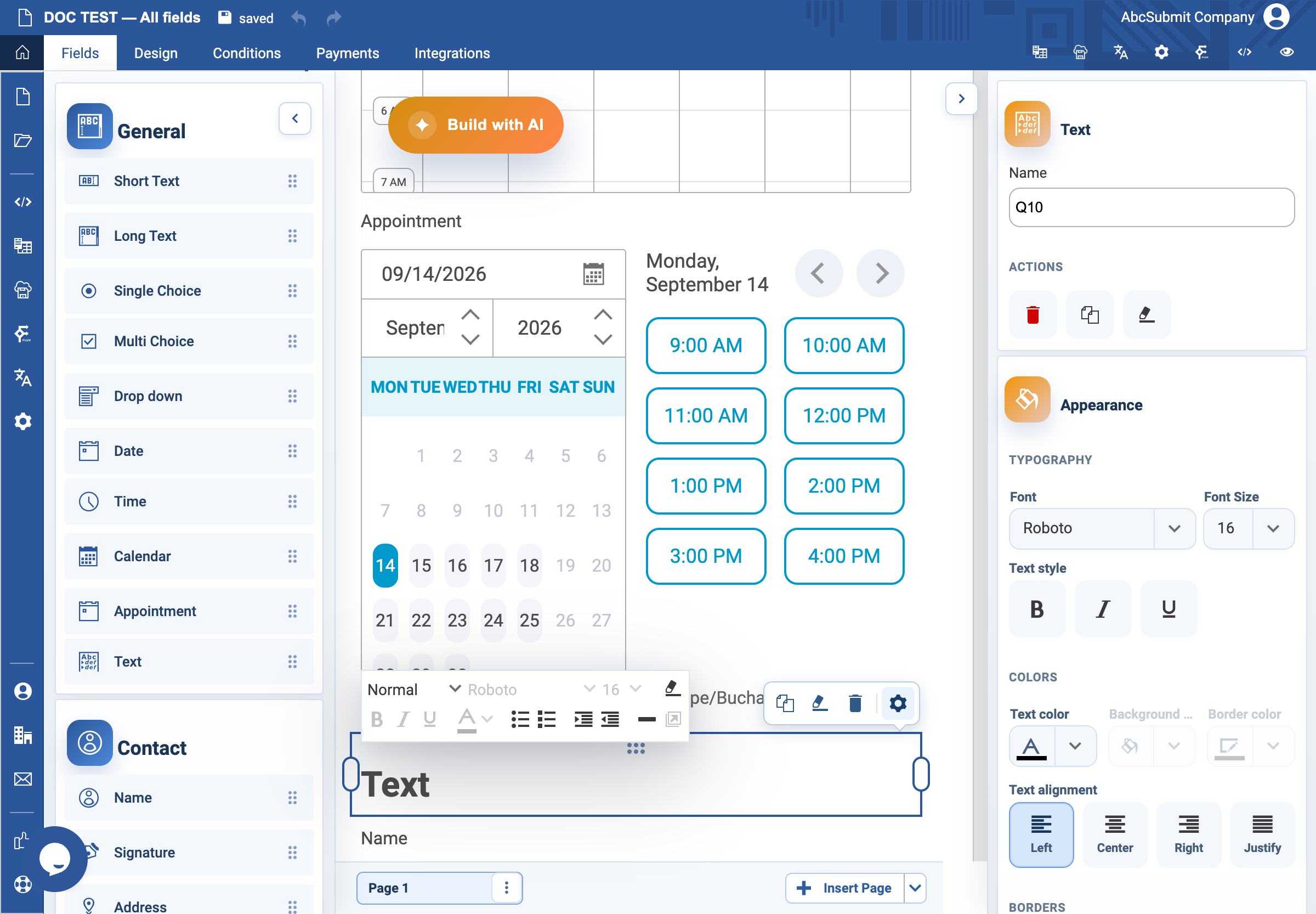
Appearance
Text field
Use Text for content the respondent reads rather than answers.
Example: section introduction
- Select Fields > General > Text.
- Select the field and open Edit.
- Add a short heading, such as
Your contact details. - Add one or two sentences explaining why the next information is needed and how it will be used.
- Preview at desktop and mobile widths. Confirm instructions are readable without relying on an image or video.
Expected result
The text separates the form into understandable sections and answers the respondent’s immediate questions before they are asked for data.