Appearance
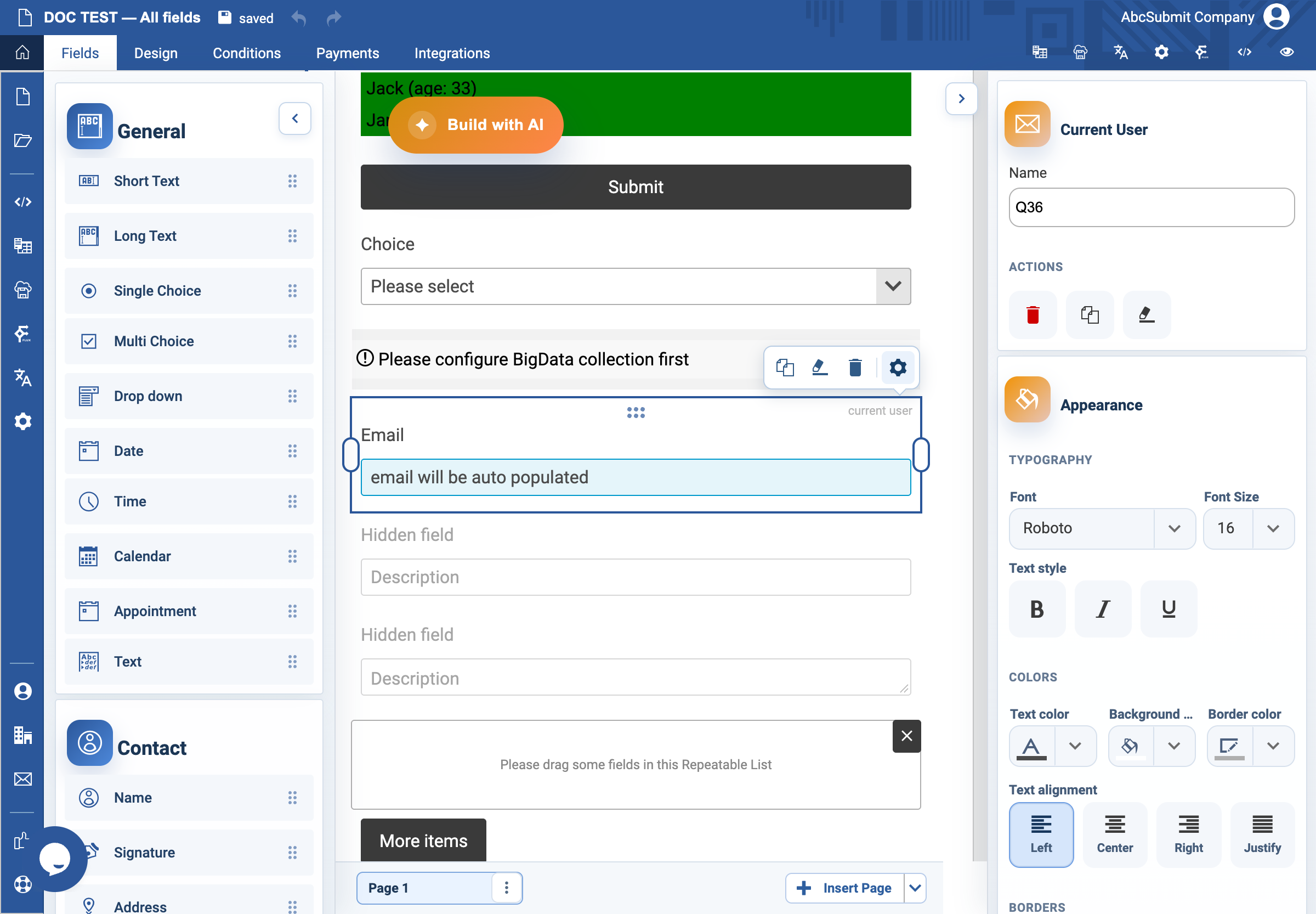
Current User field
Use Current User only in a workflow-aware form where an authenticated current user is available.
Example: capture the workflow user email
- Confirm that the form is launched in the intended authenticated workflow context.
- Select Fields > Other > Current User.
- Set a clear internal name, such as
workflow_user_email. - Preview or run the form through the actual workflow as an authorized test user.
- Verify the field resolves to the right email. Also test the expected behavior when no current user is available.
Expected result
The field automatically supplies the workflow user’s email and applies email validation. It is not a substitute for authentication in a public form.